5 Types of Podcast Editing Software for Professional Audio in 2026
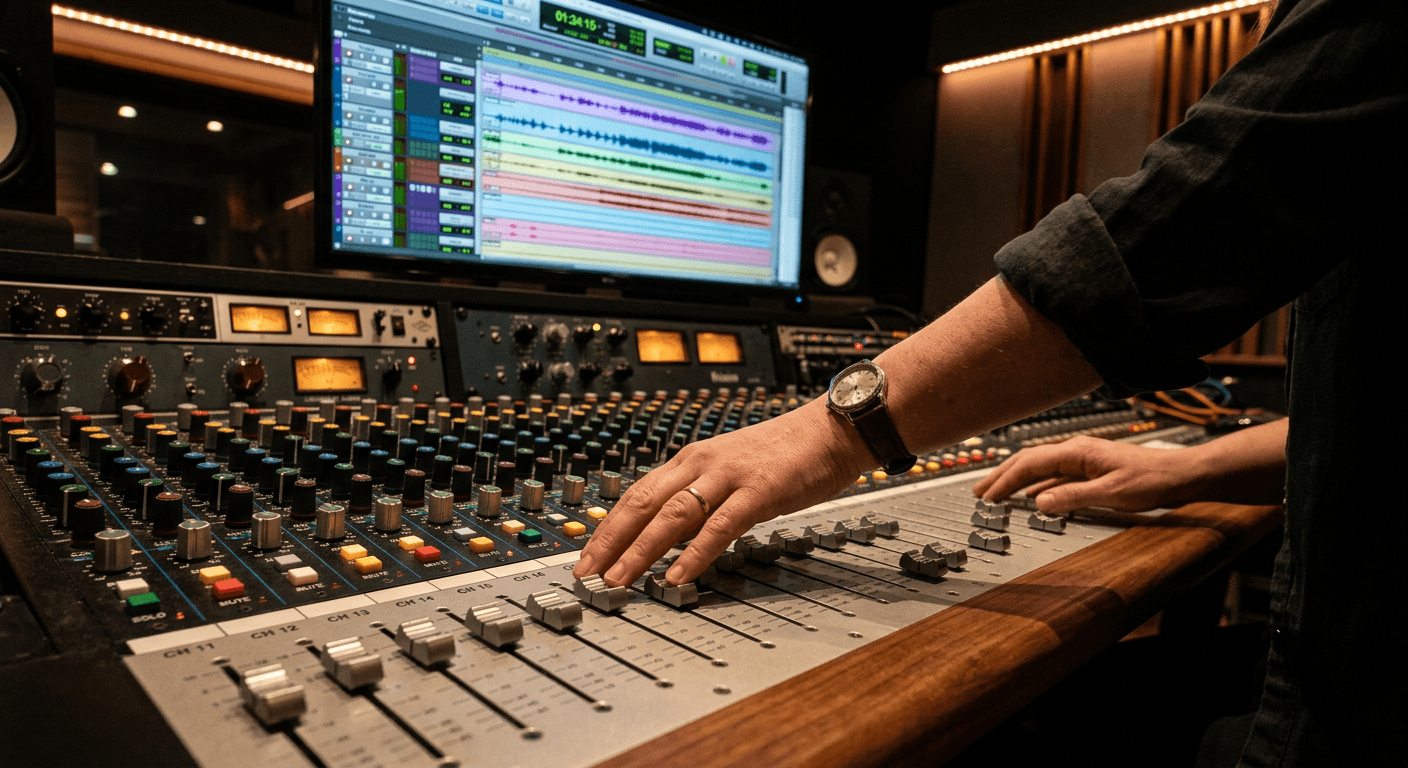
Staring at a multi-track timeline while a sudden, jarring breath sound clips directly over your guest's most important sentence is the moment production reality sets in. Moving audio clips around visually is trivial, but repairing a damaged frequency without leaving an audible digital artifact requires specific tools. The podcast editing software you select defines whether you will spend ten minutes seamlessly crossfading an interruption, or two hours fighting a destructive timeline that permanently degraded your source file.
Quick Summary
Choosing a podcast editing software architecture dictates your entire production pipeline, from initial multitrack capture to final export rendering. A purely text-based approach accelerates structural narrative cuts, while traditional non-linear workstations offer the granular parametric control required for complex sound design and surgical audio repair.
- Categorize your immediate bottleneck: audio fidelity, editing speed, or remote guest management.
- Understand the difference between non-destructive parametric processing and permanent destructive rendering.
- Avoid automated processors if your raw recording environment lacks acoustic treatment.
- Match your software class to your delivery requirements, especially if you mix dense music beds under dialogue.
Table of Contents
- Buying Guide / How to Choose
- 1. Traditional Timeline-Based Audio Workstations
- 2. Text-Based Transcript Editors
- 3. Automated Web-Based Processors
- 4. All-in-One Remote Recording Suites
- 5. Open-Source Destructive Audio Editors
- Choosing the Right Workflow for Your Production
- FAQ
- Recommended Reads
Buying Guide / How to Choose
Evaluating your options requires looking past feature checklists to understand the underlying framework that processes your audio files. Because this industry relies on highly specialized but fundamentally different approaches, this guide evaluates solutions based on a strict classification axis: Audio Editing Workflow.
Understanding this axis prevents the common mistake of comparing a cloud-based leveling tool against a mastering-grade digital audio workstation. We divide the market into five distinct categories along this axis.
Traditional Timeline-Based Audio Workstations are built for absolute, non-destructive control over individual waveforms, bussing, and plugin chains. Text-Based Transcript Editors map visual waveforms to generated text, allowing users to cut audio by deleting words in a document. Automated Web-Based Processors apply algorithmic leveling, equalization, and noise reduction in the cloud with minimal user input. All-in-One Remote Recording Suites integrate local capture with browser-based timeline assembly to streamline guest interviews. Finally, Open-Source Destructive Audio Editors modify the actual data of the source file upon saving, offering low-overhead operation at the cost of revision flexibility.
Your primary constraint - whether that is a tight turnaround time, a lack of acoustically treated space, or the need to manage dense, overlapping sound effects - determines which of these workflows you must adopt. Navigating these options successfully often comes down to familiarizing yourself with audio production guides that detail how different architectures handle phase alignment and dynamic range compression.
| Product | Audio Editing Workflow | Features | Pros | Cons | Target Audience |
|---|---|---|---|---|---|
| Traditional Workstation | Traditional Timeline-Based Audio Workstations | Non-destructive editing, complex bussing, VST plugin support | Granular precision, infinite routing, phase accurate | Steep learning curve, high CPU overhead, interface complexity | Audio engineers, sound designers, complex narrative shows |
| Transcript Editor | Text-Based Transcript Editors | NLP transcription, text-to-audio linking, speaker identification | Rapid narrative cuts, highly accessible, immediate text export | Poor crossfade control, ignores overlapping dialogue, subscription costs | Solo spoken word creators, journalists, rapid-turnaround interviews |
| Automated Processor | Automated Web-Based Processors | Algorithmic EQ, automatic gating, loud normalization | Zero learning curve, fast processing, consistent output levels | Aggressive transient loss, heavy-handed gating, zero creative control | Hobbyists, budget-conscious solo hosts, untreated recording spaces |
| Remote Suite | All-in-One Remote Recording Suites | Double-ender recording, integrated video, cloud sync | Solves guest technical issues, prevents drift, easy backups | Requires high-bandwidth, limited granular repair, costly tiers | Interview formats, remote co-hosts, video-first podcasts |
| Open-Source Editor | Open-Source Destructive Audio Editors | Direct file modification, low RAM footprint, basic spectral repair | Free to use, runs on old hardware, highly stable | Destructive saving, no real-time plugin tweaks, archaic interface | Beginners, hobbyists, single-track field recording trimming |
1. Traditional Timeline-Based Audio Workstations
Unlike automated systems that guess your intent, traditional multi-track environments leave every millisecond of audio up to you. Complex recording setups utilizing multiple microphones require an architecture that keeps every voice strictly phase-aligned, and this category exists to give professional engineers that uncompromised environment.
The system operates via non-destructive parametric editing. When you place an equalizer or a compressor on a track, the software does not permanently alter the source WAV file. Instead, it renders the mathematical changes in real time through the CPU during playback. This allows for complex routing matrices - sending three different vocal tracks to a single auxiliary bus for uniform compression, or setting up a sidechain that dips the volume of a music bed exactly when a host speaks. Because the source audio remains untouched, you can continuously revise your dynamic range parameters right up until the final render.
Complete control requires significant engineering time
Operating in this environment demands a solid grasp of signal flow. If you do not understand the difference between an insert effect and a send effect, you will quickly create a muddy, overlapping mix that exhausts your computer's processing power. Mastering these engineering fundamentals takes considerable practice, and the interface alone can paralyze a creator who just wants to trim dead air.
Practical rule: Never apply destructive effects to a raw multitrack recording; always duplicate your raw files and work exclusively in a non-destructive session timeline.
The structural bottleneck here is the learning curve; a novice will destroy dialogue intelligibility by misusing dynamic range compression before they ever publish an episode. Stacking too many uncalibrated plugins frequently results in a harsh, heavily distorted output that tires the listener's ears. We recommend this route if your format relies heavily on sound design, multi-mic setups, and intricate music beds.
Pros
- Phase-accurate multi-track alignment prevents hollow echo artifacts.
- Non-destructive processing allows continuous revision of audio effects.
- Comprehensive third-party plugin support enables surgical frequency repair.
Cons
- Interface density overwhelms users lacking technical audio backgrounds.
- Real-time rendering requires significant local CPU and RAM resources.
- Manual crossfading makes rough narrative restructuring incredibly time-consuming.
2. Text-Based Transcript Editors
The mistake production teams make when choosing transcript-driven platforms is assuming the generated text accurately reflects the phase alignment of the underlying waveform. These platforms cater to narrative and interview podcasts optimizing for turnaround speed, allowing producers to cut hours of dialogue simply by highlighting and deleting words in a document.
This architecture relies on natural language processing models to map audio transients to text strings. The software analyzes the incoming audio, generates a timestamped transcript, and virtually links the text blocks to the corresponding sections of the audio file. When you delete a sentence on the screen, the software automatically executes a splice on the timeline below. Advanced iterations include synthetic voice generation, which attempts to bridge unnatural gaps by interpolating the host's vocal timbre based on surrounding phonetic data.
Visual speed trades off precise crossfade control
Because the interface prioritizes words over waveforms, managing the subtle acoustics of human speech becomes incredibly difficult. A breath taken before a word, or a slight trailing consonant at the end of a sentence, rarely maps perfectly to the visual text boundary. When you delete the text, you frequently slice the waveform at a non-zero crossing point, which creates a sharp, audible pop in the final export.
Where this approach breaks down is overlapping dialogue; you cannot simply delete a word from speaker A without abruptly cutting speaker B's simultaneous laugh. The software treats the multitrack environment as a unified visual narrative rather than independent acoustic events. Adopt this workflow if you produce long-form solo spoken word or strictly separated interview tracks where rapid content restructuring is the priority.
Pros
- Narrative restructuring happens at the speed of reading.
- Automatic filler word removal drastically reduces initial editing hours.
- Built-in text exports streamline the creation of show notes and subtitles.
Cons
- Automated splices frequently cause audible clicks at non-zero crossing points.
- Fails to cleanly untangle overlapping dialogue or cross-talk between hosts.
- Requires ongoing subscription fees for adequate monthly transcription hours.
3. Automated Web-Based Processors
The question a producer asks before leaning on cloud-based automated processing is whether the algorithm will strip the natural timbre out of the host's voice. Built for fast-turnaround solo shows recorded outside of dedicated studios, these tools promise to replace an entire mastering chain with a single drag-and-drop web interface.
Uploading an uncompressed audio file starts the process. It goes to a cloud server. Proprietary machine learning models analyze the frequency spectrum and dynamic range. The system automatically applies aggressive noise gating to silence background room tone. It uses parametric equalization to boost vocal clarity. Peak limiting ensures the final file meets standardized loudness targets, typically -16 LUFS for podcasts. Users bypass the need to understand threshold levels, attack times, or release curves. A processed file returns minutes later.
Algorithm dependence masks underlying acoustic problems
Heavy-handed gating restricts these automated platforms. Aggressive noise reduction frequently swallows the subtle transients of consonant sounds, leaving the speech sounding unnatural. The system cannot distinguish between a distant siren and the high-frequency air in a quiet vocal performance. As a result, it often over-corrects. Many seasoned engineers prefer passing critical dialogue through dedicated analog mastering equipment. They avoid trusting a blind digital algorithm to preserve human nuance.
I would hold off if you cannot accept the total loss of parameter adjustment. The algorithm might analyze your host's deep baritone voice. It could decide it contains too much low-end rumble. It then aggressively cuts the 100Hz range. You cannot go back and dial it down by a few decibels. Rely on these processors only if you are recording in a highly controlled environment. Use them when you strictly need baseline leveling rather than creative editing.
Pros
- Eliminates the need to understand complex dynamic range compression parameters.
- Rapidly standardizes final loudness levels to streaming platform requirements.
- Highly effective at suppressing continuous low-level hums from HVAC systems.
Cons
- Aggressive automated gating frequently cuts off the natural tails of spoken words.
- Zero capability to manually adjust equalization curves if the algorithm overcompensates.
- Requires uploading large uncompressed files, which bottlenecks on slow connections.
4. All-in-One Remote Recording Suites
The trigger event that sends teams looking for integrated cloud studios is losing an entire high-profile interview to local hardware failure. Built specifically for remote interview shows, this architecture attempts to bridge the gap between reliable local capture and immediate post-production accessibility.
Instead of relying on a volatile internet connection to transmit compressed audio in real time, this system utilizes a